
Retail Media Analytics
Measure how audiences respond to in-store screens.
Compare audience counts, dwell time, and estimated screen attention by store and campaign. Use them alongside proof-of-play records to review performance.
Typical advertiser question“The campaign ran in store—but did it actually deliver business value?”
Typical media-owner question“I need proof to win the next campaign, but I do not have the performance data.”
Answer campaign questions with defined, comparable metrics.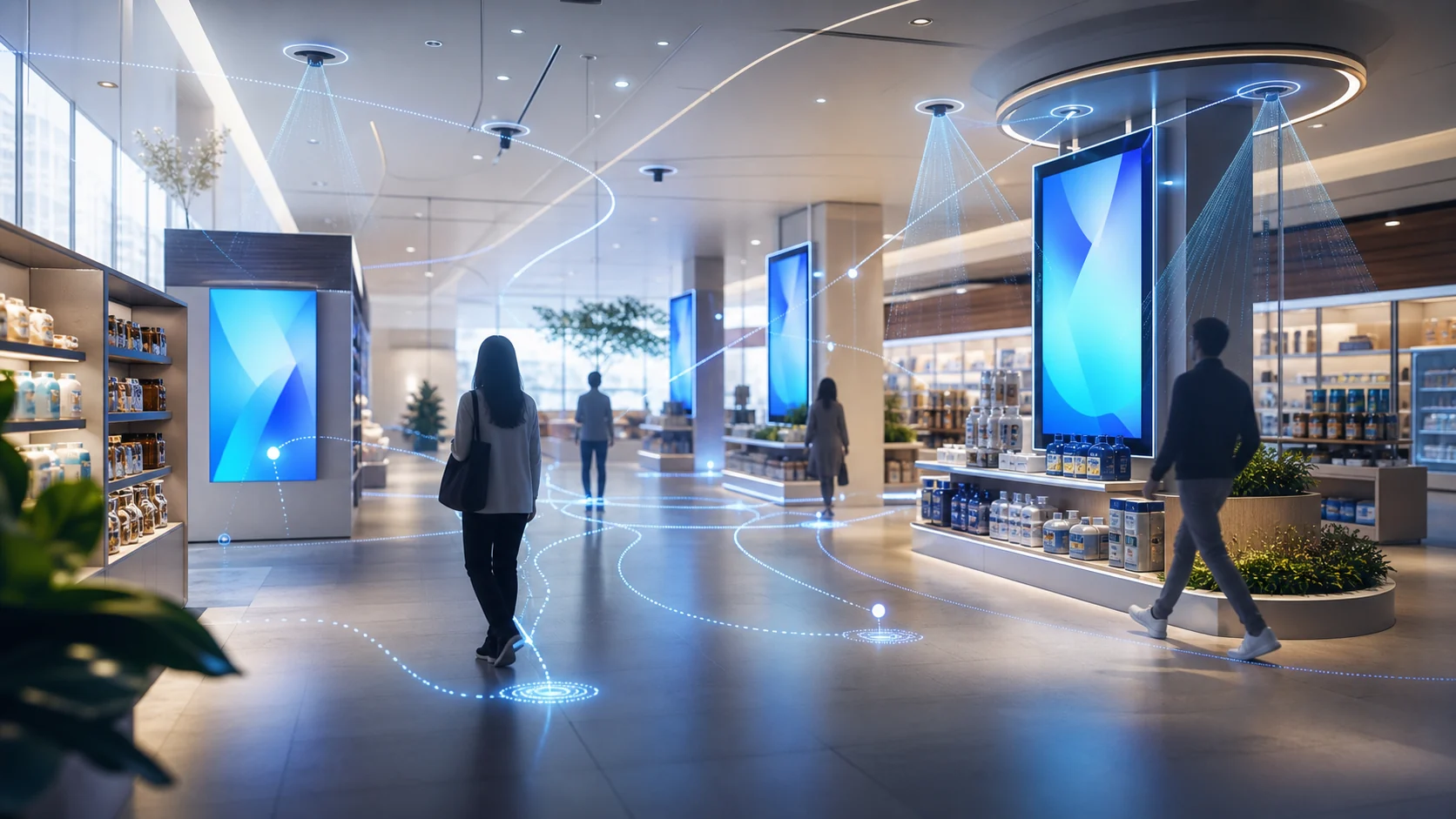
- Footfall, exposure & viewed audience
- Dwell-time analysis
- Attention analysis
- Automated reporting
Find what to test in your next campaign
Compare screens, time bands, and ad creatives using the same metrics. Use the results to choose the next campaign test.
Campaign planning
Choose the next screen, time band, or creative test
Compare exposure, attention, and dwell across the campaign. Use the results to decide which placement or creative to test next.
Audience reporting
Describe the audience around each screen
Report audience counts and estimated viewing signals within the agreed camera coverage and measurement definitions.
Advertiser reporting
Share the same metrics in reports and CSV files
Keep periods, filters, and KPI definitions consistent so advertisers can inspect and compare results.
Start with one screen and one campaign
Choose the campaign question, check camera coverage, and agree on the metrics to review.
-
01
Understand the advertiser need
Choose a store, campaign, and reporting question for the first test.
-
02
Define audience and media KPIs
Agree on audience, dwell, and attention metrics that the camera coverage can support.
-
03
Build a data-led performance report
Review the dashboard, reporting format, and CSV exports using the agreed metrics.
On-device Vision AI for retail media
On-device Vision AI analyzes camera input in the store and estimates audience, dwell, and attention signals for campaign reporting. We define processing, transmission, retention, and access for the selected camera and deployment.
Person detection and tracking, dwell, and attention inference run on the in-store device for supported configurations.
Dashboard metrics are separated from any images or events retained under the agreed design.
Where video export requires masking, it follows a separate review and approval workflow from media measurement.
Reports your advertisers can inspect
Review campaign metrics with their periods, filters, and definitions. Export CSV data for further analysis.
Comparisons by campaign, ad creative, store, time band, and period
Estimated attention and measured dwell within the configured camera view
Dashboard reports and CSV exports for further analysis
Customer case
Retail media and purchase-data analysis
- Environment
- Convenience and grocery network
- Analysis
- Connected ad exposure, visits, and purchase data
- Application
- Advertiser reporting and store-operation decisions
Ask an AI Agent about campaign performance
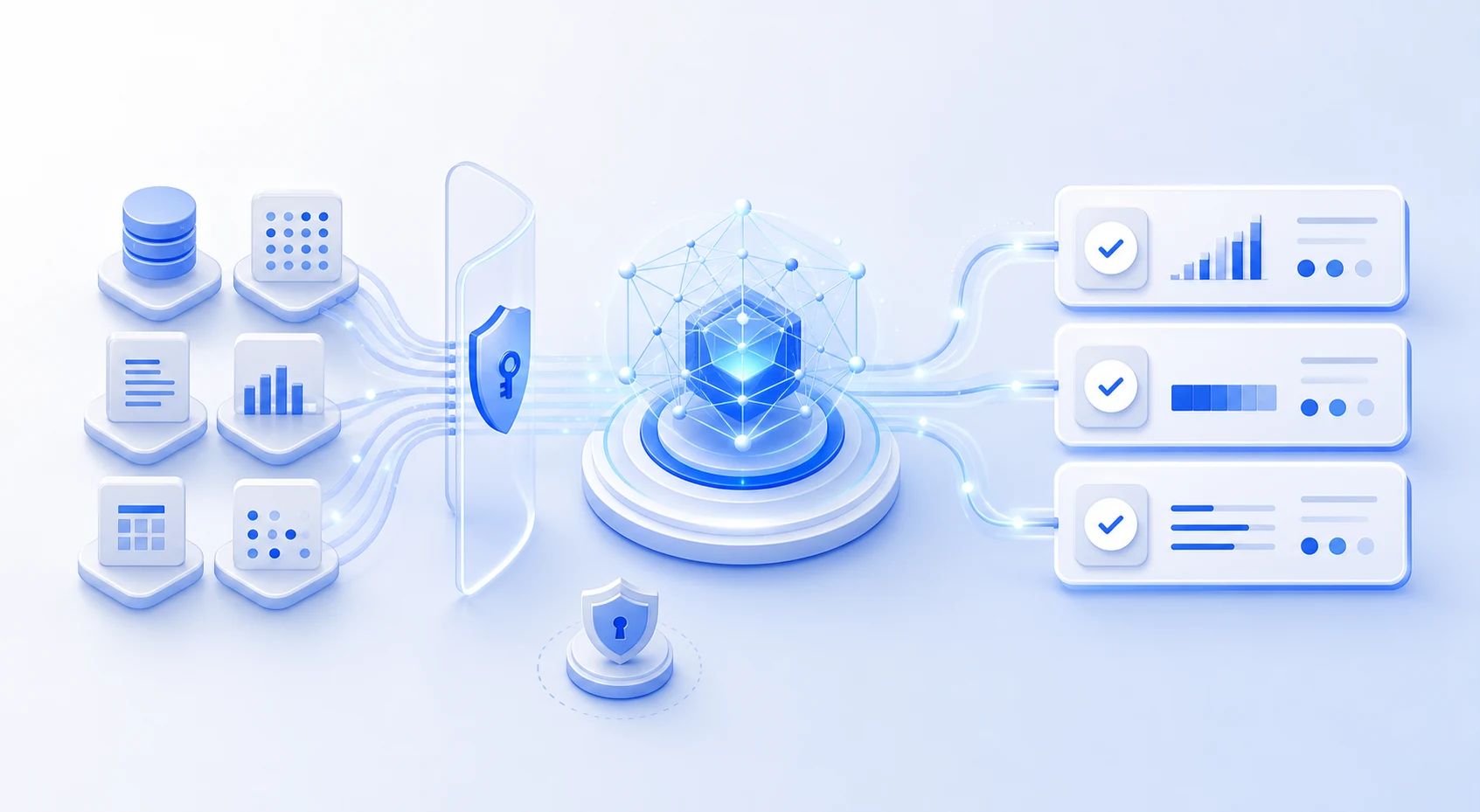
The AI Agent is a separate solution that requires agreed data connections. It analyzes authorized data, summarizes results, exports CSV files, and recommends actions. Your team reviews the recommendations and carries them out.
Questions using connected data
Compare last week’s exposure, attention, and dwell by campaign, store, and screen.
Show the campaigns and media positions with the largest changes during the selected period.
Prepare an advertiser-ready summary and CSV using the same period, filters, and KPIs.
Answers use only connected data within your account and workspace permissions. Each answer shows the period, filters, and metrics and distinguishes observations from interpretation.
Frequently asked questions
Can media measurements be compared with sales?
Yes, when POS and sales data are connected. The analysis compares media measurements with sales; the interpretation depends on the available data and agreed analysis method.
Can we use existing CCTV cameras?
Yes. Existing in-store cameras can be used when resolution, position, angle, codec, and other requirements are met.
When is dashboard data updated?
Dashboard data is updated every night at midnight.
Start with one screen and one campaign
Review camera coverage, campaign metrics, and the reporting format in a demo.